Floor Visualizer – See Flooring in Room Before You Buy

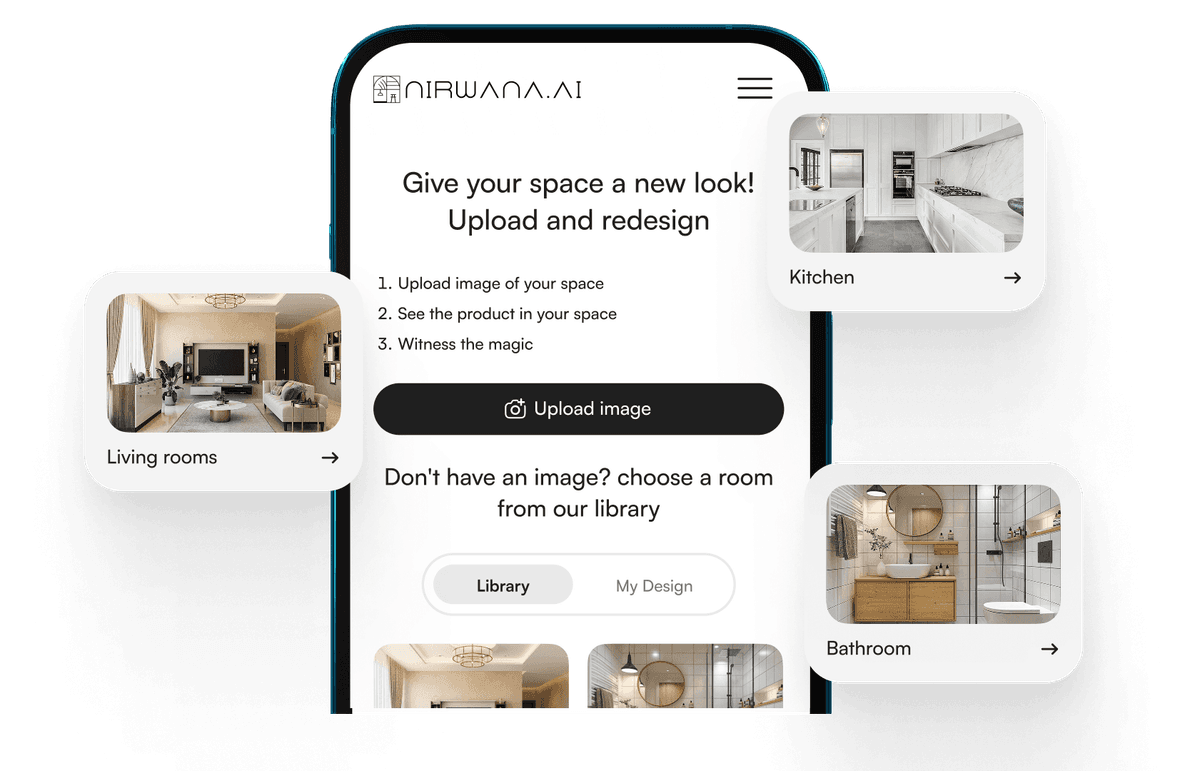
Nirwana.ai’s floor visualizer previews patterns, colors, and layouts on realistic room photos—no physical samples needed.

Explore the Future with Our Flooring Visualization Tool

Nirwana makes décor decisions simple—realistic previews in actual rooms for manufacturers, retailers, and distributors.

Book a demo

How It Works

01. Upload a room photo

about-img-1

02. Select flooring type

about-img-1

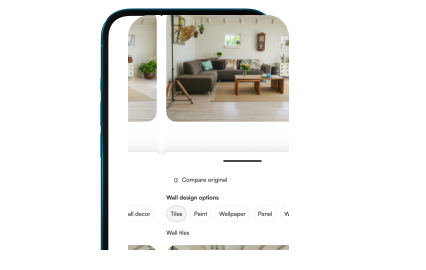
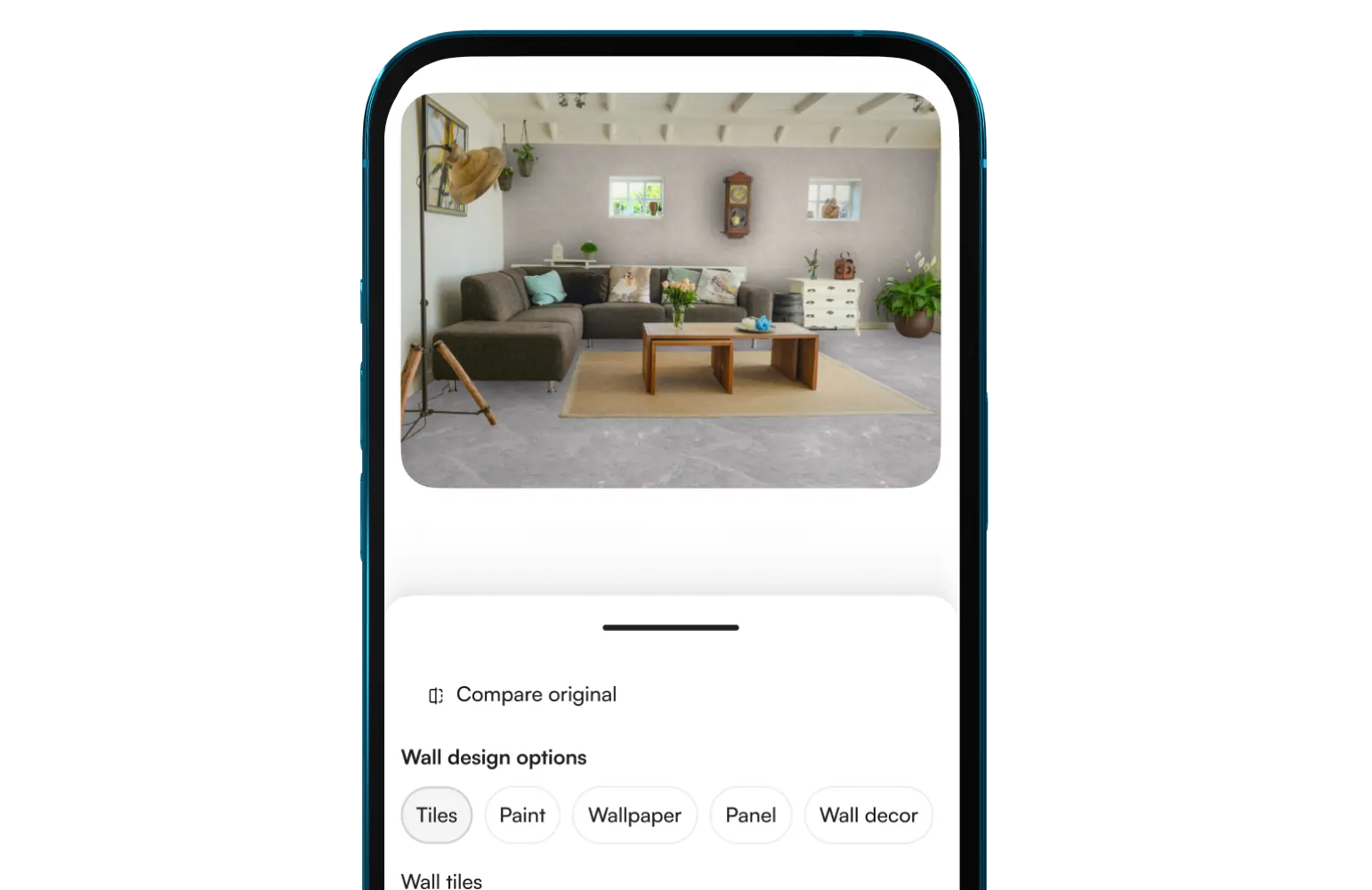
03. See flooring in room instantly

about-img-1

No app required. Clear results in seconds.

Why Flooring Brands Choose Nirwana
marbles

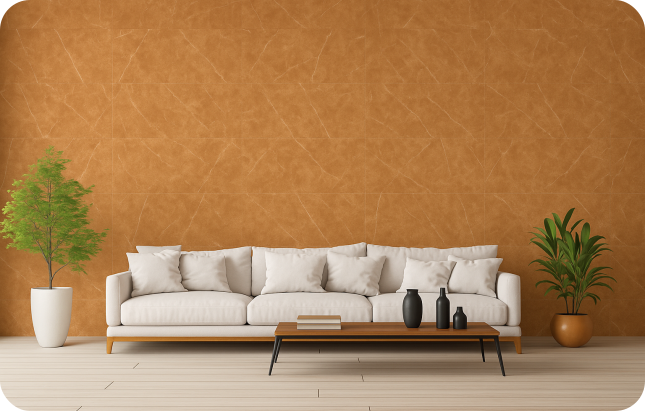
Your Flooring, Their Space—Accurately Placed

MF1.svg

Auto-detects floor or wall areas

MF2.svg

Accurate lighting and shadows

MF3.svg

True-to-scale patterns

MF4.svg

Bookmatch mode for tiles

MF5.svg

Setup without complexity

See Your Flooring Brand Shine

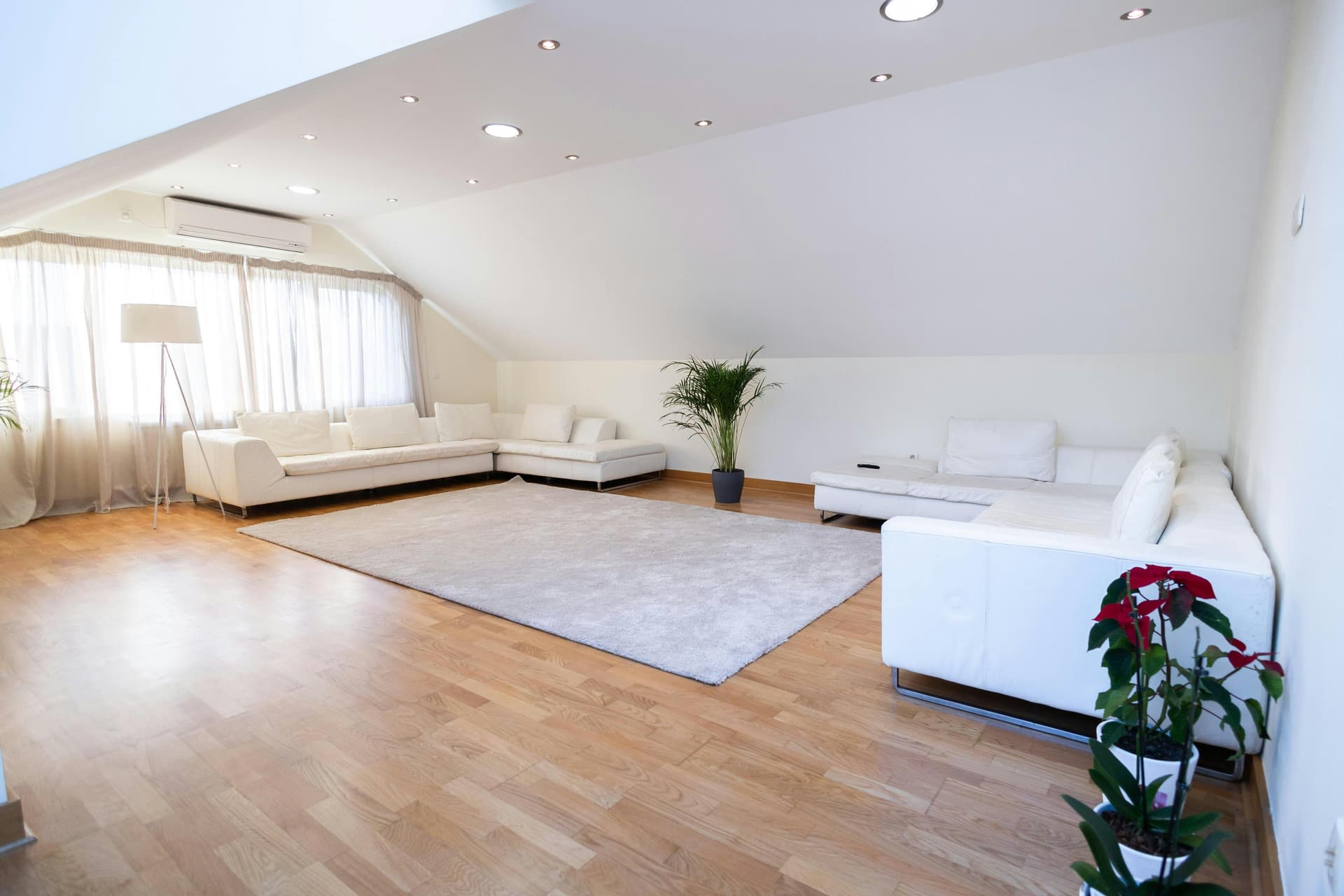
Nirwana’s floor visualizer displays flooring in customers’ rooms, boosting engagement and speeding decisions.
visual

3x

More conversions

4x

Faster sales cycles

30%

Fewer returns

50%

Higher engagement

Who It’s For

marble-1

Flooring manufacturers & exporters

marble-2

Luxury showrooms & retailers

marble-3

Interior designers & architects

marble

High-end renovation brands

Seamless Setup Across Platforms

Shopify, WooCommerce, WordPress, BigCommerce, JS Snippet, API, and more

shopifyImg
woocomerceImg
wordpressImg
bigCommerceImg

Add it to your site in seconds. No app needed.

Let Buyers See Flooring in Room Before Purchase

Book a demo

Frequently Asked Questions

What is a floor visualizer and how does it work?

A floor visualizer shows how different flooring styles appear in a space before buying. Upload a room photo for realistic placement with accurate scale, lighting, and texture.

Can I upload my own room photo to try flooring designs?

Yes. Upload a photo or scan a QR code in-store. Surfaces are auto-detected and your chosen flooring is applied for a realistic preview.

What flooring types can I visualize?

Preview hardwood, laminate, vinyl, carpet, and tile in different colors, textures, and patterns.

Does the visualizer offer different finishes?

Yes. View matte, glossy, and textured surfaces under varied lighting.

Can I download or share the visualizations?

Yes. Save high-quality images or share them for collaboration with designers, clients, or family.

Can I upload images taken on a phone with glare?

Yes. Well-lit images are ideal, but the tool manages minor glare or uneven lighting.

Can my sales team use this with no tech skills?

Yes. Upload a photo, pick a floor, and preview instantly.

How easy is integration with our website?

Very simple. Use an embed code or API. Works with all major platforms.

Can I preview flooring on both floors and walls?

Yes. Apply materials to both for a complete view.

Is lighting adjustable in previews?

Yes. Switch between warm, neutral, or cool lighting.

What ROI can flooring retailers expect?

Retailers often see fewer returns, faster buying, and more confident customers.